Stop Getting Passed By on LinkedIn!!

Do you want to risk being passed up for your potential dream job?  You're probably getting passed up, demonstrated in a study by Ryerson University.

Here's a screengrab from the referenced Ryerson Career Centre powerpoint.

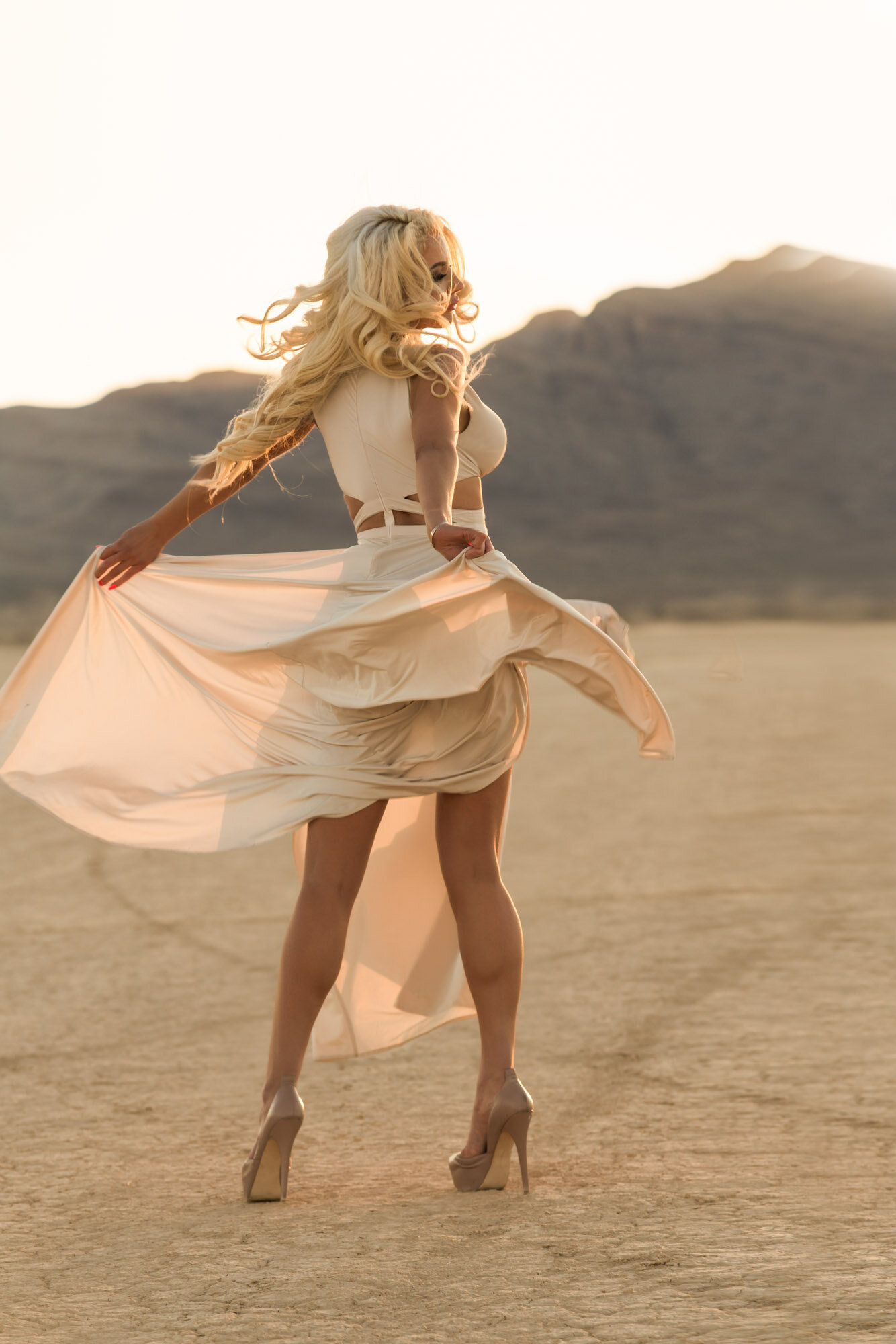
Whether you're showcasing talent...

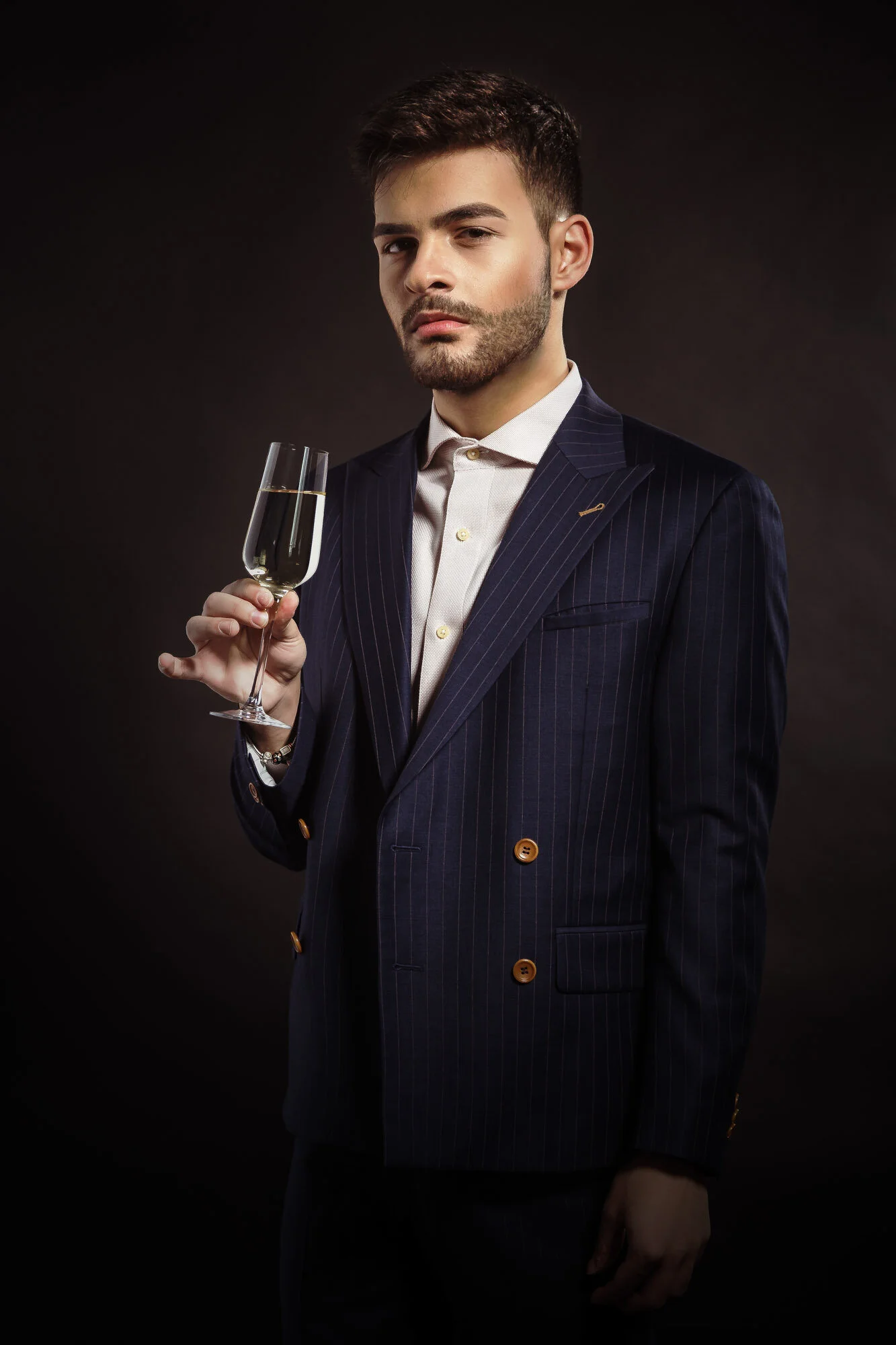
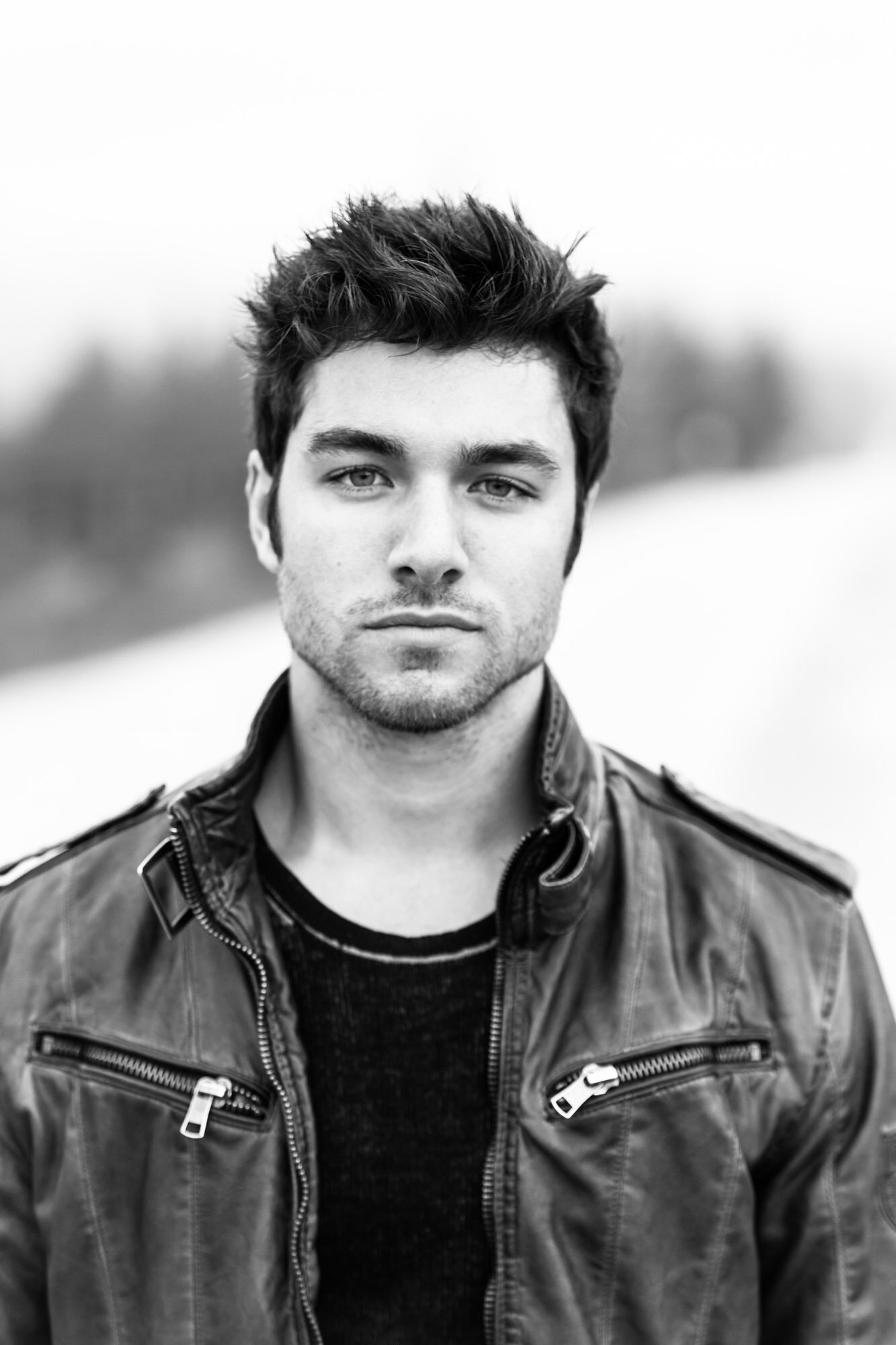
A proper, professional, photo is the most important thing you could have in order to most effectively to sell yourself.  

Your profile photo is the online equivalent of what you'd wear to an interview.  It helps potential employers weed the bad workers out.

Karin Klenke, PHD has the following to say:

[HR Personnel] form instant judgements on the basis of appearance, dress, and bearing.
— http://tinyurl.com/klenke-karin

In my experience with LinkedIn, your bearing is readable through the way you write your job descriptions and status update, but ...

your appearance and dress are judged solely on your profile picture!

Through your profile photo alone, you're also instantly judged on your taste as to what is appropriate in a professional environment, much like a candidate coming in for a professional interview might be judged for wearing sneakers and sweats.

As a professional photographer in Toronto, I've been witness to the benefits of having a proper display picture and overheard from HR Personnel how 

having a poor profile picture versus having a fantastic profile picture is the difference between being passed by, or actually being considered for employment.

The verdict?  The following statement explains it all:

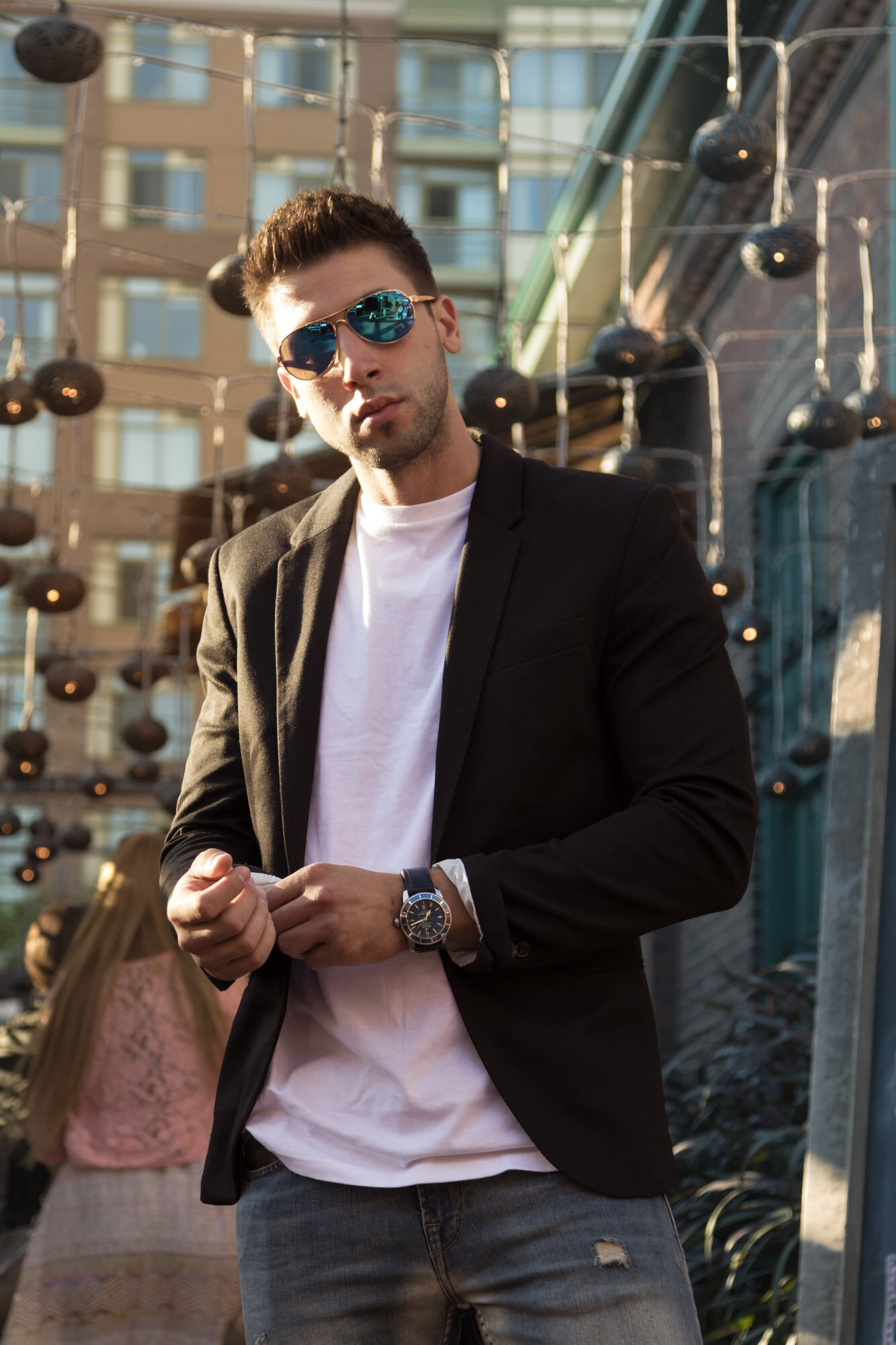
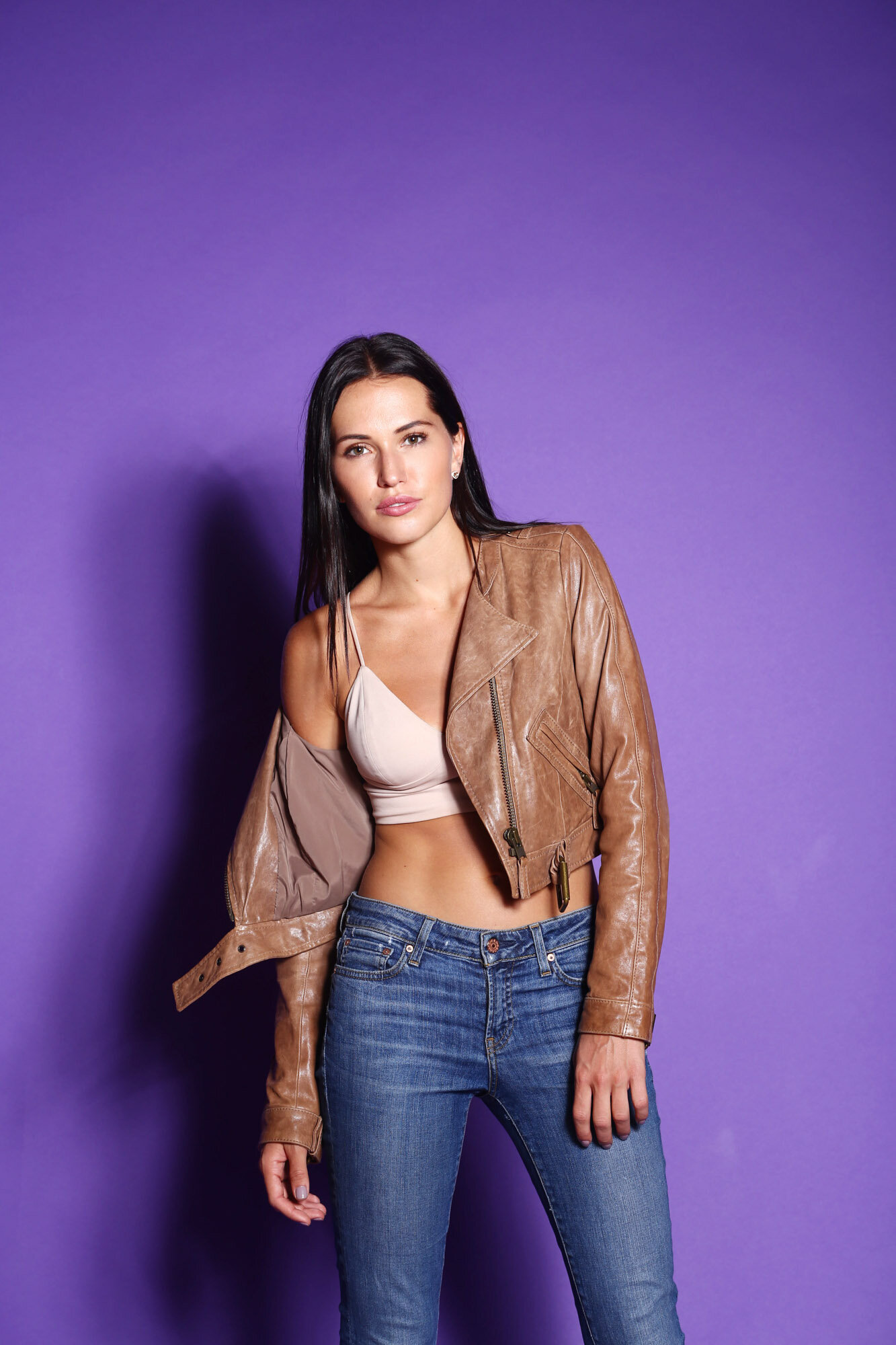
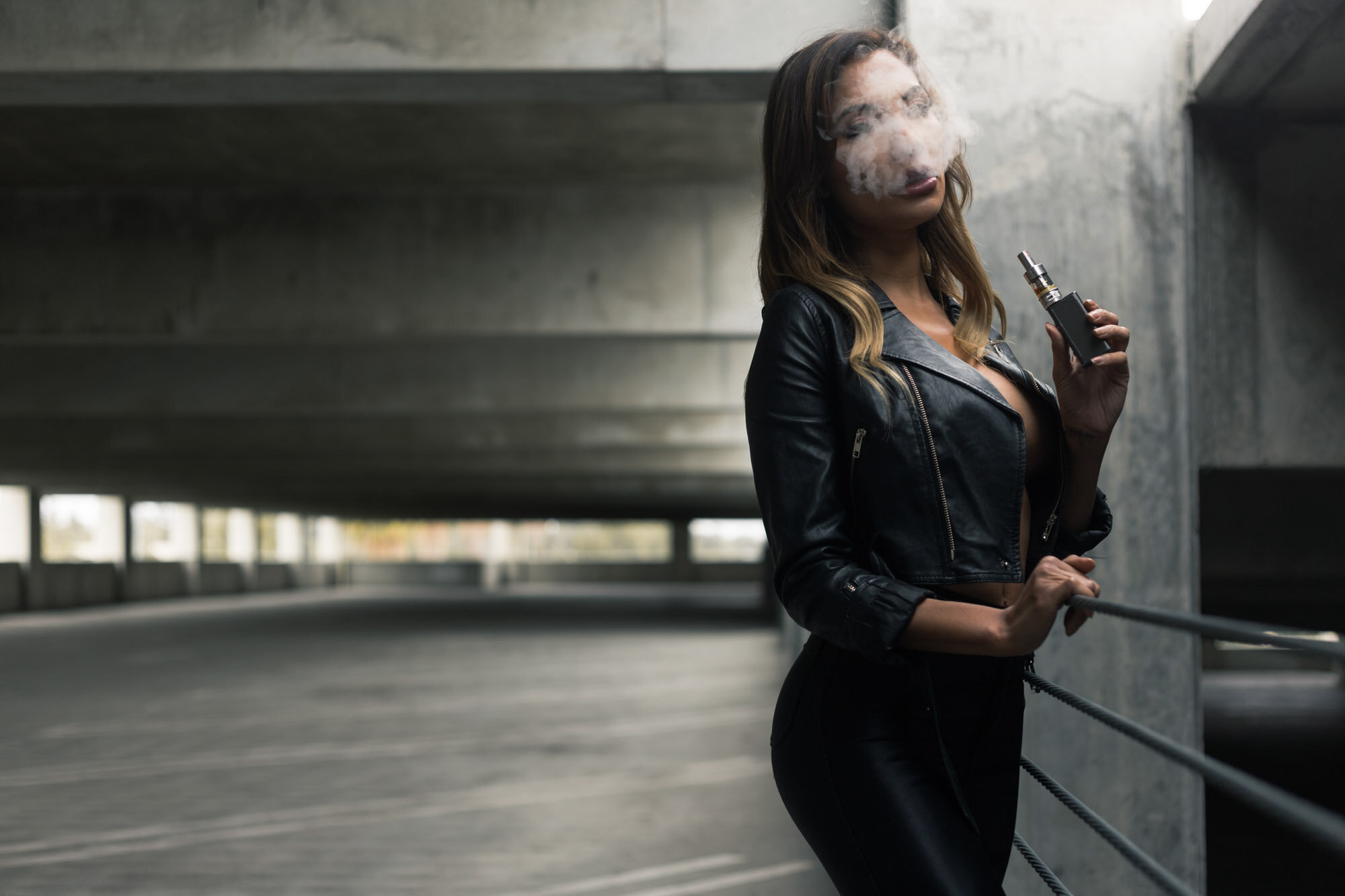
...or perhaps you're looking to showcase your corporate skills.

A poor profile picture could cost you a potential job, while a great one could have prospective employers knocking on your door!

Stand Out.  Book your shoot with me right now.

My challenge to you is not to just look professional so that your profile isn't instantly overlooked, but I challenge you to STAND OUT!  Your amateur shots won't cut it.  Mirror shots or shots from parties with friends won't exactly say "Hire me!" on LinkedIn.  I'd go so far as to say that a poorly taken photograph by a hobbyist photographer wouldn't even cut it, not on LinkedIn.

As a Toronto photographer, my headshot rates are very competitive, starting at just $238 for professional headshots!  For more information on my headshot rates and services, CLICK HERE.

Don't let another employer pass you by... Book now and start achieving what you were meant to!  

Name *
Name

Expanded into Shooting Weddings!

Recently I've undertaken the joy of shooting weddings, and I loved it.  There's something beautiful about two people getting married and showing their love and affection.  Here's a quick preview of the last lovely wedding I shot.  I'll post more pictures later.

Copyright: Daniel Camer, Toronto Photographer

Do you know anyone who's in love and having a wedding anytime soon?  If they're looking for a photographer, would you recommend me based on this one picture?  I'll post more later, so you'll have more to go on.

Name *
Name

Do You Have a Nice Car?

If so, I'd love to shoot it!  I love photographing nice cars in Toronto.  Case in point: the following images!

Audi R8 — © Daniel Camer; Toronto Photographer

Here's another shot of the same Audi R8 which is a beast in performance and a beauty in the interior.  

Audi R8 on a slope — © Daniel Camer; Toronto Photographer

Audi R8 Engine — © Daniel Camer; Toronto Photographer

Here's another shot, this time of the interior, with two models fighting over the shifter.

Interior — © Daniel Camer; Toronto Photographer

Yet another shot of the exterior of the car, again with both models.

Two models standing outside the Audi R8 — © Daniel Camer; Toronto Photographer

I also like Porsches, yet for some reason I can't seem to find any images on my computer of any I've shot (must be on my external hard drives!), so I'll instead share with you a shot that I took of a model touching up her lipstick in a yellow 2010 Porsche C4S side mirror.

Chris Elizabeth touches up her lipstick in a Porsche C4S mirror — © Daniel Camer; Toronto Photographer

And lastly, here is a shot of a Jeep I caught in motion as I was on another job shooting a Ford Escape.

Jeep TJ — © Daniel Camer; Toronto Photographer

Hope you enjoyed the photographs!  All of these were shot locally in Toronto, with the exception of the Jeep which was shot in rural area.  If you like the shots, live in Toronto, and want your car to be photographed perhaps alongside some models, let me know via the contact form below!

Name *
Name

Need a New Makeup Palette? Perhaps a free gift?

I'd like to give you a gift from Sephora!  Read the blog post to find out how easy it is to receive your gift!

Copyright, Daniel Camer; Toronto Photographer

Hello again!

It's Daniel Camer, your new favorite Toronto Photographer (if I wasn't before, now I definitely should be), and I'm back with a special offer to give you a complimentary gift from Sephora!

Receive a complimentary makeup palette with the purchase of a portfolio shoot.

I'm once again shooting for model portfolios, so I'm giving you an opportunity to take advantage of this special offer to receive a complimentary makeup palette of your choice (see the promo flyer for options), with the purchase of a portfolio shoot.

Receive a free gift, simply by referring a friend!

If you don't happen to need photos, but know someone who does, send them my way!  If they purchase a portfolio shoot with me, then you'll get a free gift of your choice from Sephora (once again, see flyer for options).

Once again, I've included a contact form below so you can contact me right now to get your gift.

Cheers,

Daniel Camer; Toronto Photographer

Name *
Name

My Equipment

Your local Toronto photographer, Daniel Camer here once again.  A lot of people have been asking me what I use to shoot, AND process my images. Here's a list.

Daniel Camer's Equipment:Canon 5D Mark II.

Daniel Camer's Equipment: Canon 5D Mark II.

Camera: Canon 5D MarkII Full Frame 22mp DSLR

Lenses: Canon 50mm F1.8 Prime, Canon F4L 24-105mm, Sigma F2.8 EXII 70-200mm

Software: Adobe Lightroom 3, with Plug-ins, Adobe Photoshop CS5 w. Camera RAW

Lighting: Canon 580EXII Camera-Mountable Flash, 2x Strobes by Alienbees B800's, 1x Strobes by Alienbees ABR800, Softbox, Beauty Dish, Reflectors, Grids, Gels

Filters: 77mm Polarizer, 77mm UV Filter (to protect from fine particles in windy conditions.

I use all this equipment to create the best possible photographs I can.  I leverage them to create photos from headshots to portraits, to commercial work!

Any questions? Feel free to drop a comment.

Cheers,

Daniel Camer; Toronto Photographer

Photographers, Are You Making This Mistake While Editing?

Are you tired of not having enough screen space to work on editing your images or videos?  Does your screen space look smushed, as follows?

A crowded screenspace — Daniel Camer, Toronto Photographer

A crowded screenspace — Daniel Camer, Toronto Photographer

It's your favorite Toronto photographer, Daniel Camer, back again with the two quick tips to getting the most out of your screen-area on a mac!

Hide Your Dock! — Daniel Camer, Toronto Photographer

Hide Your Dock! — Daniel Camer, Toronto Photographer

The first option is great for getting more screen space even in programs like Microsoft Word, not just imaging programs. Click The Apple Icon > Dock > Turn Hiding On.  What this does is minimize your dock from your screen.  Mouse to the bottom of your screen to unhide it temporarily.

Another option if you're working in Lightroom, is to hit the Window Menu > Screen Mode > select Full Screen. This will make your screen as large as possible.

The Solution for Lightroom — Daniel Camer, Toronto Photographer

The Solution for Lightroom — Daniel Camer, Toronto Photographer

After doing so, your screen should look as follows:
Bigger, final result is more screen space — Daniel Camer, Toronto Photographer

Bigger, final result is more screen space — Daniel Camer, Toronto Photographer

The benefits to enlarging to gain more screen space are that you no longer need to zoom in to work with certain aspects of your image.

Until next time!

 — Daniel Camer, Toronto Photographer

Name *
Name

Recent headshots with Casandra Bella in my Toronto Studio!

Hey everyone, it's your favorite Toronto Photographer, Daniel Camer back again with a scoop from one of my headshot specials.  I'll post a few more soon.

I recently had the pleasure of shooting with Casandra Bella!  For those who don't know, she's going to be a fitness star!  She had a great energy!

After shooting her headshot and not wanting to finish, we decided we'd just shoot some more pictures.

Here's the result:

Casandra Bella looking great as always —Daniel Camer, Toronto Photographer

She was a natural at posing, and did a great job being herself in front of the camera.  Although these images weren't the final headshot images, I still loved them!  Here's another one where she blinked, and even with her eyes closed, she looks fantastic!

Casandra Bella Blinking —Daniel Camer, Toronto Photographer

To leave you off on a good note, now that I've had my headshot special, I've decided I'd like to start doing more work in portraits as well, so if you need a headshot or portrait photographer in Toronto, I invite you to contact me right now!  I've even included a contact form for you to contact me.

Name *
Name

How to Create a High-Contrast Black & White Image

In this post I will be teaching you the best way to create non-destructive high-contrast black and white images.  It's really easy, so if you have 5 minutes to follow along, let's get started.

If you remember the last black and white shoot I posted with Sarah & Nicole, you'll know that many of the images were high-contrast black and white, which conveys a certain je ne sais quoi.

Let's get started by showing you the original image.

Original Image

Step 1: convert the image to black-and-white (do not simply desaturate the photo!!!), so that we can drag the Orange channel exposure up (so that the skin gets brighter, but the rest of the image does not) and crop for effect.

After Cropping, applying Black and White and increasing the exposure on the Orange Color Channel.

Step 2: adjust the curves by increasing the exposure in the Light Channels and decreasing the exposure in the Dark Channels.

Last step, use curves to adjust and control the strength of the contrast you are applying to the image.

Step 3: Simply play around with the curves and refine the contrast that you are applying to each image.  The whole point here is that you want to dim the blacks and increase the whites in the image.  

Now, what do I mean by non-destructive image editing?  I mean, you can still make out the blacks and the whites, as they are not over, nor underexposed. The goal here is to adjust the image in such a way that you can still see the details, but you make the elements in the photo pop!

Final Image

If you're interested in having a quick/simple solution to optimize your editing process, feel free to "one-up" me and grab Lightroom 4!  I'm currently using Lightroom 3.

Want to connect or shoot?  Fill out the contact form below!

Name *
Name

Creative Shoot - Paparazzo / Candid Style

It's been a while since I truly shot a creative, and I must say—I'm addicted once again.
 As always when working with people we like, we tend to pick up our cameras and shoot whatever comes our wa.  Thanks to Nicole Rosati (blonde) for doing a wonderful job on the makeup, with Sarah Faraone (brunette) rockin' it as always on the modeling end.

Here is a gallery with the unretouched images (although exposure corrected) from the shoot (scroll left and right).  For the full set, check out the Facebook link, listed at the bottom of this post!

Let's book a shoot!  To inquire, simply fill out my contact form below and I promise to do my best to answer all your questions to help you figure out the best possible options for you.

Name *
Name

$29 HEADSHOTS (offer has expired!)

For one time, and for a limited time only, I'll be offering headshots for $29 (+HST) a piece.  See the attached image!

www.DANIELCAMER.com

This deal is valid until I am fully booked.  Payment in advance, a MUST. No refunds.  Email me, now!

Name *
Name

As always, remember to subscribe by clicking the "RSS" or "Subscribe by Email" button! You can also add me to your google reader, just copy paste the link from your address bar.

What Is This?

I'd like to offer you a free wallpaper, just play the "What Is This?" game with me.  Leave your guess in the comments section below.

© Daniel Camer - Toronto Photographer

If you'd like to download the image to set it as your wallpaper, click here: https://www.dropbox.com/s/iaspmfqlcvpcb9m/Daniel%20Camer%20Yellow%20Teal%20Wallpaper.jpg 

Night Time Photography Driving South on Don Valley

Here is something I created, and I'm wondering what it looks like to you.  Do our interpretations of visual anomalies match? To me, it looks like an eye, is it?

Don Valley Parkway, driving, Southbound by Lawrence Avenue.

Sometimes I like to take photographs of moments in my life during which I would not normally be able to pause for a moment, take in the beauty, and snap an image.  

Sometimes you can’t halt to a pause in time—here is one of those moments.

Driving by this bridge at least a dozen times weekly, many times during the night and I always remarked that this type of architecture is rare in Toronto, since to me it seems more European in style.  Countless times, I've wanted to share this view with friends, but never had a chance.


So one night as I was driving down to my best friend's condo, I snapped at least 10 images as I was entering the tunnel, and this one rose above the rest as my favorite.

Can you see what I've photoshopped?

Fashion; What does it mean to you?

To me, fashion is superficial, in all aspects.  This is not a bad thing, as many people need to express themselves on a spectrum from deep emotional core expression to superficial expression as well.

Fashion is not always comfortable, so why do it?  I for one, have always preferred comfort over fashion, granted that when I'm required to be fashionable I always dress impeccably. 

If fashion is not always comfortable, yet many people persist to maintain a fashionable appearance, it must mean something else.  My dad is the least fashionable guy around, and I highly respect that (mom/dad if you're reading this, I hope you take this in because I don't tell you two enough, the things I respect about you two).  The reason I respect his decision to be less fashionable is that instead of being fashionable and buying expensive clothes that keep up with trends, he simply dresses comfortably.  

Instead of spending money on expensive clothes, my mom buys things on sale.  My parents divert the same money that they can spend on clothing towards other things that matter more, such as family and food, etc.  There is no need to prove to anyone that you're a good person, or that you're fashionable, or high-class. 

At the end of the day what matters most is your true self and how that radiates into the world.  I don't believe the superficiality of fashion to dictate anything about a person, other than their priorities in life.

Spend $1500 on a Gucci jacket that you can wear only on special occasions (because you're scared to ruin it), or spend $1500 on your lover with little things that matter more deeply.  The choice is up to you.

But as always, I'm curious what your thoughts are.  What does fashion mean to YOU?  This is simply my limited perspective, and by no means is it the end-all-be-all, nor am I claiming it to be.

Let me know via a comment below!

Source: http://gaskella.files.wordpress.com/2012/...